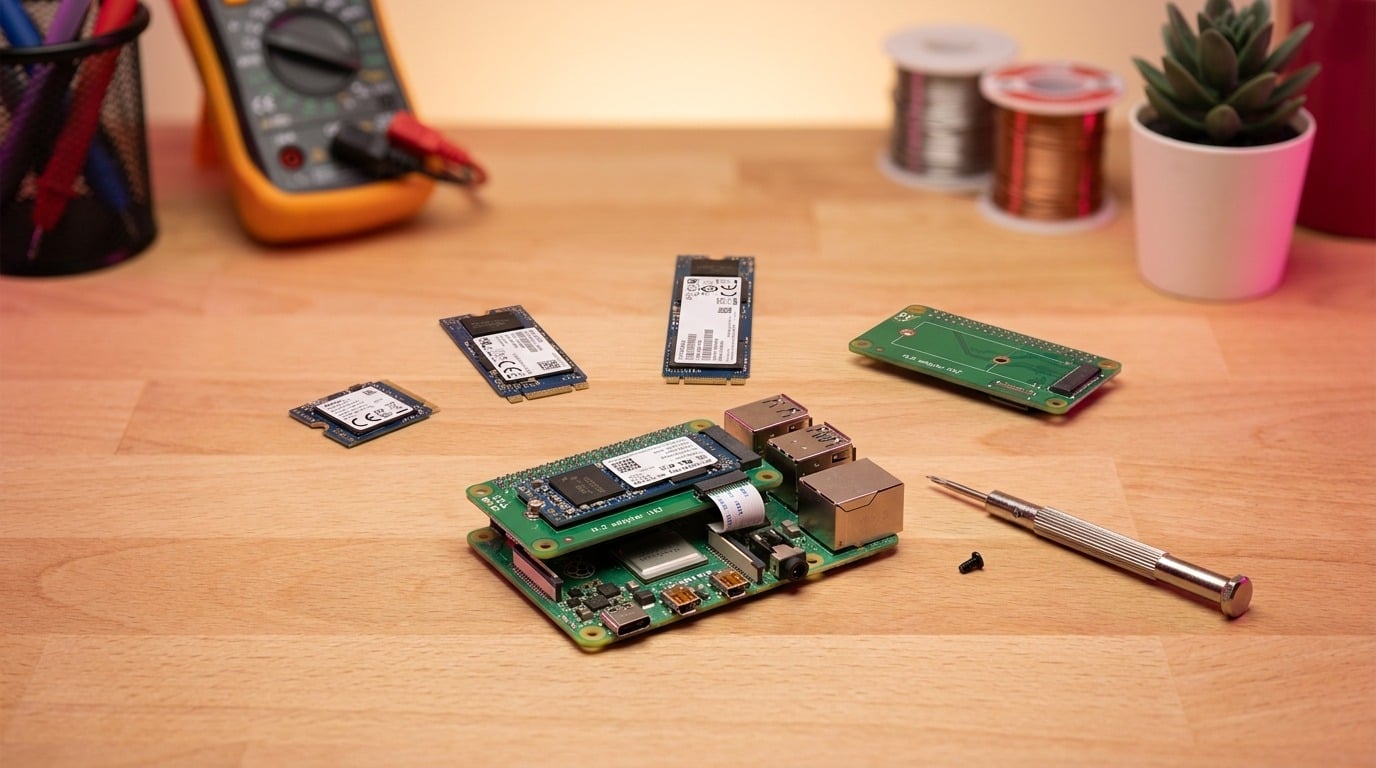
NVMe SSD for the Raspberry Pi 5: Best M.2 HATs & SSDs Compared (2026)
An NVMe SSD is the most worthwhile upgrade for a Raspberry Pi 5. A microSD card tops out at around 100 MB/s on the Pi 5, while an NVMe drive reaches around 450 MB/s – or up to about 850 MB/s with PCIe Gen 3 – and copes far better with constant writes from logging or camera recording. You need two parts: an M.2 board (add-on boards for the Pi are called HATs) that connects the SSD to the Pi’s PCIe port, and an M-key NVMe SSD. Which combination fits depends on the length of the SSD – the number in the name gives width and length in millimeters, so 2280 means 22 × 80 mm – as well as on your case and on what you can buy right now.
In short
For most people, the official M.2 HAT+ with a short 2242 SSD such as the Samsung PM9C1b is the right pick. For standard 2280 SSDs and lots of storage, go for the Geekworm X1001 – or the Pimoroni NVMe Base if you need the GPIO header free.
- Easiest setupM.2 HAT+* + Samsung PM9C1b*
- 2280 SSD, lots of storageGeekworm X1001*
- GPIO header freePimoroni NVMe Base*
All prices and stock information are as of November 12, 2026. The euro prices in the tables come from Amazon Germany and German retailers. We installed the SSD from the hands-on box and the Pironman 5 MAX case ourselves. Everything else is based on manufacturer specs, the official Raspberry Pi documentation and the Raspberry Pi PCIe Database, where the community collects tested cards and drives – so treat it as a market overview, not a test verdict. Not covered: USB SSDs – see Boot Raspberry Pi from SSD.
Which Combo Is Right for You?
Pick the board for your use case first, then an SSD length that fits it. Costs are rounded and cover board plus SSD.
| If you want… | Board + SSD | Approx. cost |
|---|---|---|
| the easiest setup | M.2 HAT+ + Samsung PM9C1b 256 GB (2242) | €70 |
| to spend as little as possible | Geekworm X1001 + Intenso Premium 250 GB (2280) | €60 |
| lots of storage | Geekworm X1001 + Silicon Power A60 1 TB (2280) | €160 |
| to keep the GPIO header free for other HATs | Pimoroni NVMe Base + Silicon Power A60 512 GB (2280) | €110 |
| to keep using the official Pi 5 case | M.2 HAT+ Compact + official Raspberry Pi SSD (2230) | €50 if the SSD is in stock – 2230 drives from other brands currently start at about €80 |
| two SSDs, for example for a NAS with RAID 1 | Geekworm X1004 + 2× Intenso Premium 250 GB (2280) | €135 |
| to power the Pi over Ethernet (PoE) | Waveshare PoE M.2 HAT+ + Samsung PM9C1b 256 GB | €95 |
How much storage? 256 GB is enough for Raspberry Pi OS, Home Assistant or a small server. Go for 512 GB if you run Docker with several services, and 1 TB for a NAS, camera recording with Frigate or a media server.
M.2 Boards Compared
| Board | Mounts | SSD lengths | Price* | Key feature |
|---|---|---|---|---|
| Raspberry Pi M.2 HAT+ (official) | on top | 2230, 2242 | ~€14 | detected automatically, fits over the Active Cooler |
| Raspberry Pi M.2 HAT+ Compact | on top | 2230 | €14.90 (retailer) | fits the official case, not over the Active Cooler |
| Geekworm X1001 | on top | 2230–2280 | €12.93 | cheapest board for 2280 SSDs |
| Geekworm X1002 | underneath | 2230–2280 | €15.80 | low-profile build under the Pi |
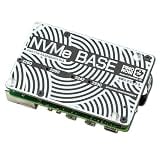
| Pimoroni NVMe Base | underneath | 2230–2280 | €28.36 | GPIO header and top stay free |
| Geekworm X1004 | on top | 2× 2280 | €40.50 | two SSDs, PCIe Gen 2 only |
| Geekworm X1005 | underneath | 2× 2230–2280 | €46.12 | two SSDs, PCIe Gen 2 only |
| Pimoroni NVMe Base Duo | underneath | 2× 2230–2280 | €50.19 | two SSDs, PCIe Gen 2 only |
| Waveshare PoE M.2 HAT+ | on top | 2230, 2242 | €35.99 | PoE power and M.2 on one board |
*Amazon Germany prices; HAT+ Compact from a German retailer. For more boards, sorted by mounting style, see Raspberry Pi 5 NVMe HAT: every board at a glance.
The Official M.2 HAT+ and HAT+ Compact
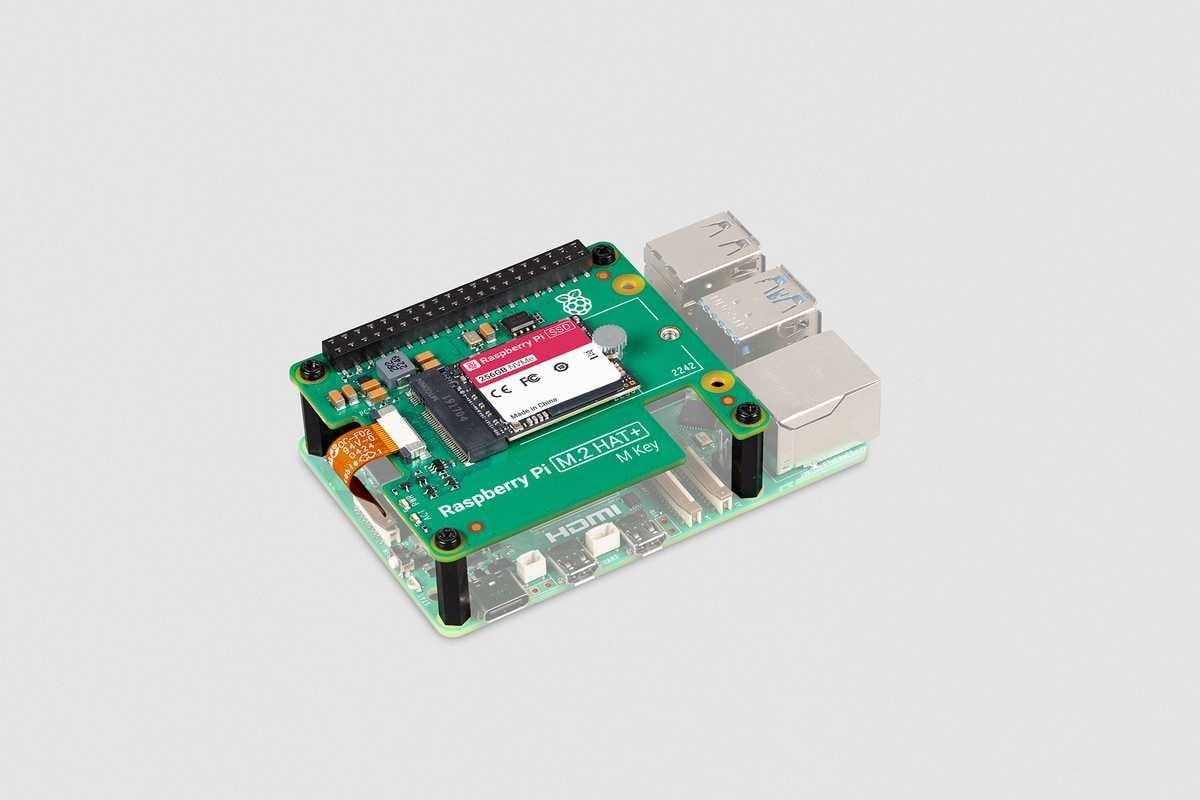
The official Raspberry Pi M.2 HAT+ is the simplest route. Current firmware detects it automatically, it supplies up to 3 A to the SSD, and its 16 mm stacking header leaves room for the Active Cooler, the official clip-on fan, underneath. Raspberry Pi has committed to making it until at least January 2032. It only takes short SSDs in the 2230 and 2242 sizes, and you can buy the M.2 HAT+* on Amazon too.
The M.2 HAT+ Compact is a shorter version for 2230 SSDs only. It fits inside the official Raspberry Pi 5 case without getting in the way of the case fan, but it won’t go over the Active Cooler. As of November 12, 2026 it was out of stock on Amazon, but German specialist retailers had it.

Geekworm X1001 and X1002
The Geekworm X1001* sits on top of the Pi and the Geekworm X1002* underneath. Both normally power the SSD through the PCIe ribbon cable, which is limited to 5 W. For power-hungry SSDs, the X1001 has an extra power connector and the X1002 can draw power from the GPIO header.
Pimoroni NVMe Base
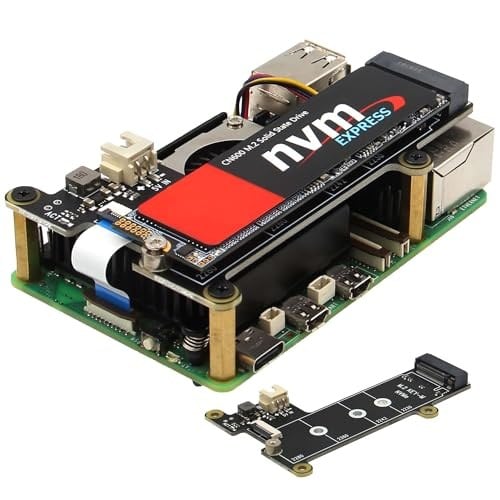
The Pimoroni NVMe Base* screws on underneath the Pi 5, which leaves the top free for other HATs, coolers or displays.
Two SSDs: X1004, X1005 and NVMe Base Duo
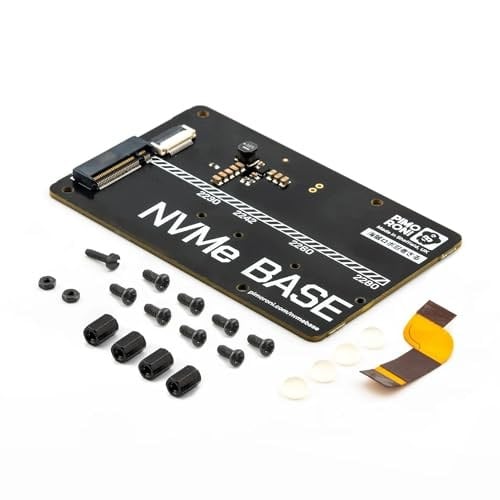
If you want two SSDs, there’s the Geekworm X1004* (on top, 2280 only) and the Geekworm X1005* and Pimoroni NVMe Base Duo* (both underneath, 2230 to 2280). All three use a switch chip to split the Pi 5’s single PCIe lane across two slots, so the drives share the bandwidth and PCIe Gen 3 isn’t available.
PoE and Cases with an NVMe Slot
If you power your Pi 5 over the network cable, the Waveshare PoE M.2 HAT+* gives you PoE and an M.2 slot for 2230/2242 drives on one board. For a case with two NVMe slots and RAID 1, there’s the SunFounder Pironman 5 MAX, which we’ve reviewed in detail.
Which NVMe SSD for the Raspberry Pi 5?
Memory has become much more expensive over the past two years (more on why in our article on the AI boom and memory prices). Cheap, low-power drives are all a Pi needs, since its single PCIe lane tops out at about 850 MB/s.
The Official Raspberry Pi SSD: Good, but Often Out of Stock
Raspberry Pi sells its own NVMe SSDs in the 2230 size with 256 GB, 512 GB and 1 TB. They’re fully compatible with the Pi 5 and fit every board here except the 2280-only Geekworm X1004. At launch, Raspberry Pi priced them at $30, $45 and $70; German retailers list them at around €35, €80 and €93, and the SSD Kit with the M.2 HAT+ at around €55 (256 GB) or €110 (512 GB). As of November 12, 2026, though, you couldn’t get them at those prices. The German retailers we checked had every SSD and kit out of stock, apart from the 512 GB kit, which one shop had for €166.10. If you can find an official SSD at the normal retail price, buy it. If not, the Samsung PM9C1b is the alternative for the M.2 HAT+, and the drives in the table below cover 2280 boards.
SSDs Compared (November 2026)
| Model | Length | Controller | Price* | Verdict |
|---|---|---|---|---|
| Samsung PM9C1b* 256 GB | 2242 | Samsung | €56.90 | fits the official M.2 HAT+ and any 2280 board with a 2242 mount; the PM9C1b also comes as a 2280, so make sure you get the 2242 version |
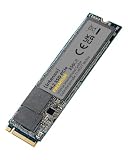
| Intenso Premium* 250 GB | 2280 | varies by batch, Maxio in ours | €45.99 | cheapest drive in stock here, tested by us on the Pi 5 |
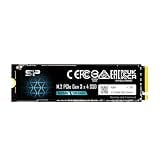
| Silicon Power A60* 512 GB | 2280 | Silicon Motion SM2263XT (per reviews) | €83.99 | no DRAM cache, low power |
| Silicon Power A60* 1 TB | 2280 | Silicon Motion SM2263XT (per reviews) | €148.99 | cheaper per gigabyte than the 512 GB model |
| Raspberry Pi SSD 256 GB / 512 GB / 1 TB | 2230 | not specified | ~€35 / €80 / €93, often out of stock | fits every board except the X1004 |
| Samsung 980* 1 TB | 2280 | Samsung | €299.99 | technically good, overpriced right now |
*Amazon Germany prices; official SSD: German retail prices.
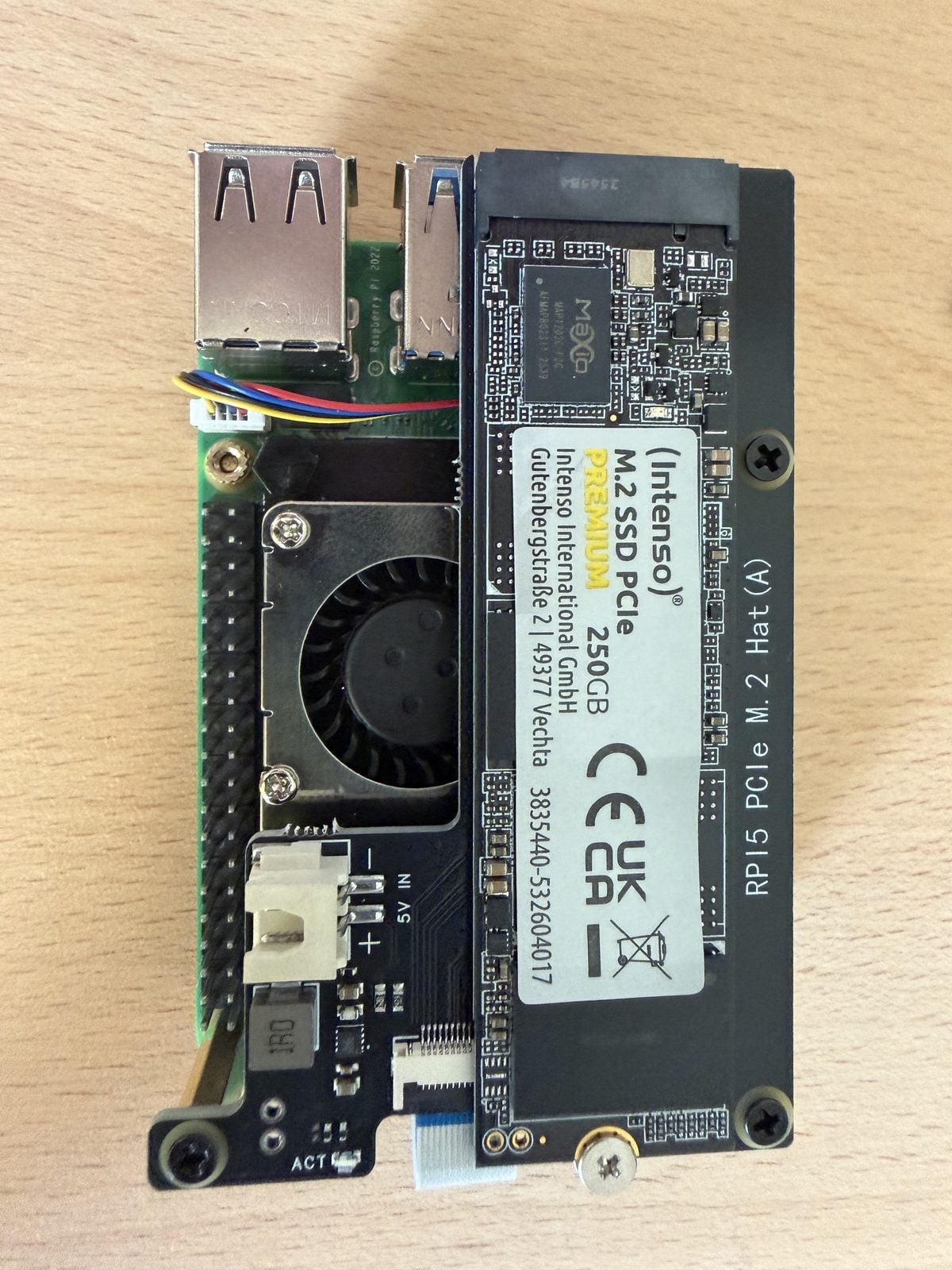
We run the Intenso M.2 PCIe Premium 250GB*, a 2280 drive without a DRAM cache from the German brand Intenso, on a simple 2280 adapter that sits on top of the Pi like the Geekworm X1001. It boots the Pi 5 from NVMe and reached around 439 MB/s read and 429 MB/s write at PCIe Gen 2, and around 843 MB/s read at Gen 3. Our unit has a Maxio controller. Intenso uses different controllers depending on the batch, and Geekworm advises against drives with the Maxio MAP1202 because it can cause problems at PCIe Gen 2. If your drive isn’t detected, check its controller (see SSDs to avoid).
SSDs to Avoid on the Pi 5
- SSDs with a Phison controller (such as the Corsair MP600 family) have known compatibility problems on the Pi 5, and some only work after an SSD firmware update. The datasheet or a review tells you the controller; on the Pi,
lspcishows it. The Raspberry Pi PCIe Database tells you whether a specific model works. Be careful with drives that ship with different controllers: the Patriot P300, for example, comes with either a Phison or a Silicon Motion controller. - M.2 SATA SSDs don’t work on the Pi 5’s PCIe port. You need an M-key NVMe drive, and the datasheet will tell you whether it is one.
- Power-hungry high-end drives – PCIe 4.0/5.0 flagships with a DRAM cache, an extra memory chip that draws more power – can exceed the ribbon cable’s 5 W limit.
Our Recommendations at a Glance
Unlike the euro prices in the tables, these boxes show live US dollar prices from Amazon.com. If a product isn’t available there, the box links to Amazon Germany instead.
After You Buy: Firmware, PCIe Gen 3, Migration
- Firmware and boot order: to boot from NVMe, the Pi 5 needs up-to-date firmware and the right boot order. Our NVMe guide walks you through both.
- PCIe Gen 3: out of the box, the Pi 5 uses the slower Gen 2 mode. Add
dtparam=pciex1_gen=3to/boot/firmware/config.txtand reboot to switch on Gen 3. Raspberry Pi doesn’t certify this mode and warns that it may be unstable, so if your SSD misbehaves, remove the line again. - Moving from the SD card: there’s no need to reinstall – Cloning a Raspberry Pi SD Card to an NVMe SSD shows how to copy your running system across. Starting from scratch without an SD card? Follow Set Up Raspberry Pi 5 Without an SD Card.
NVMe on the Raspberry Pi 5: FAQ
For Raspberry Pi OS, Home Assistant or a small server, 256 GB is plenty. 512 GB makes sense for Docker with several services, and 1 TB for a NAS, camera recording (Frigate) or a media server.
No. It has to be an M-key NVMe SSD; M.2 SATA drives don’t work. SSDs with a Phison controller, such as the Corsair MP600 series, have known problems. The datasheet or a review tells you the controller, and the Raspberry Pi PCIe Database shows whether a specific model works on the Pi.
Out of the box, the PCIe port runs at Gen 2, around 450 MB/s. Adding dtparam=pciex1_gen=3 to config.txt switches on Gen 3 for around 700–850 MB/s. Raspberry Pi doesn’t certify this mode, and it may be unstable.
With the official M.2 HAT+, yes: it sits on a 16 mm stacking header above the Active Cooler. Boards that mount underneath the Pi, such as the Pimoroni NVMe Base or Geekworm X1002, don’t get in the cooler’s way. The M.2 HAT+ Compact won’t fit over the Active Cooler – it’s designed for the official case.
Yes, if you can get it at the normal retail price (around €35 for 256 GB, €93 for 1 TB in Germany) – that’s far cheaper than comparable name-brand drives. As of November 2026, though, it was mostly out of stock at those prices. In that case, a Samsung PM9C1b (2242) or a 2280 SSD like the Silicon Power A60 is the better choice.
Conclusion
If you don’t want to compare for long, get the M.2 HAT+ with a Samsung PM9C1b and use our step-by-step guide to make the SSD your boot drive. For everything else, the table above shows the right combination.
Further Reading
- Setting up an NVMe SSD on the Raspberry Pi 5 – Guide, Benchmarks and Use Cases
- Cloning a Raspberry Pi SD Card to an NVMe SSD
- SunFounder Pironman 5 MAX Review – Dual NVMe and RAID 1
- Setting up a Raspberry Pi NAS – Samba with an NVMe SSD
- Raspberry Pi 5 Starter Kits Compared